¶ 2. General Provisions
¶ 2.1. Key Rules
The API calls covered in this document follow these rules.
-
By using Spotware’s API, you automatically agree to the company’s terms of service.
-
All requests must be made to secure endpoints using the
httpsprotocol instead ofhttp. -
API calls 3.1-3.11 are made by the cTrader backend to your client area/CRM. API calls 4.1.-4.4. are made by a broker’s CRM system to the cTrader backend.
-
The content types accepted by the API calls defined in Section 3 differ according to the below table.
| Endpoint Starting With | Accepted Content Types |
|---|---|
/ctid/ or /oauth2/ |
Text/JSON only |
/webserv/ |
Text/JSON and text/XML |
- The endpoints in Section 3 are relative to the following URLs. The unique value of
https://HOST:PORTis provided by Spotware Systems to each individual broker.
| Endpoint Starting With | Relative To |
|---|---|
/ctid/ or /oauth2/ |
https://HOST:PORT/cid |
/webserv/ |
https://HOST:PORT/v2 |
-
All API calls received by your client area/CRM (see their list here) must be available at endpoints relative to one consistent URL. Avoid establishing some endpoints at
broker.comwhile hosting others atmy.broker.com. To avoid confusion, these endpoints are referenced ashttps://brokerCrmUrl.com/. Additional information about this URL is provided in this tutorial. -
Several fields related to finances (
balance,bonus,nonWithdrawableBonus,equity,usedMargin, andfreeMargin) list their respective values in 10^moneyDigits, wheremoneyDigitsis a separate JSON key taking integer values. An equity of 234512 with amoneyDigitsvalue of 2 would equal 2345.12 currency units. -
If the number of requests per hour exceeds a certain threshold, all new
PUT/POST/DELETErequests will be rejected. There are no rate limits forGETrequests.
¶ 2.2. Authentication Provisions
The broker’s backend is authenticated under the same manager’s credentials used to login into the cBroker backend application. For the API calls made by the broker’s backend office to the cTrader backend, append an authentication token to each request by placing ?token={token} at the end of each request URL. Additional details about the manager authentication token can be found here.
The SSO (OAuth) REST API also requires the cTrader backend to be authenticated when making requests to your client area. As specified in API call 4.1., the cTrader backend exchanges a pre-generated password to acquire a long-term authentication token that must be valid for at least one week. This token is added to each request made by the cTrader back office by appending ?crmApiToken={crmApiToken} to each request URL.
¶ 2.3. Broker-Specific Parameters Provided by Spotware
The API calls defined in Section 3 take several request body keys and/or query parameters the values of which are provided by Spotware Systems on a per-broker basis. These keys are summarised in the following table.
| Parameter | Data Type | Description |
|---|---|---|
brokerCrmName |
string | A unique name designating a broker’s CRM system. If several brokers share the same CRM system, they will also have the same brokerCrmName value. |
brokerName |
string | A unique name denoting a specific broker (including White Labels). |
¶ 2.4. Firebase Integration
Spotware’s API also supports Firebase integration. You can use this functionality when both conditions below are true.
- The user accesses an SSO (OAuth) screen using cTrader Mobile.
- Sending Firebase analytics is enabled. To enable this option, contact Spotware’s Service Assurance team.
To send events to Firebase, the API supports the eventName query parameter.
| Parameter | Data Type | Description |
|---|---|---|
eventName |
string | The name of the event to be sent to Firebase. |
You can add this parameter to the URLs that host various SSO (OAuth) screens. When a user is transferred from one URL to another during an SSO (OAuth) flow (e.g., when completing the first stage of the account registration process and being sent to the second stage) and eventName is specified in the screen URL, the event is sent to Firebase under the specified name.
As a result, you can attain detailed statistics about how and when users are redirected as part of broker SSO (OAuth) flows. This functionality facilitates tracking users’ progression along the onboarding funnel.
You can use
eventNameto track how many traders who have opened an account with your brokerage choose to start passing your KYC checks as well as how many traders are lost at each distinct stage of your KYC process (if these stages have custom screens shown on different URLs).
¶ 2.5. SSO (OAuth) Screens and InApp Controls Examples
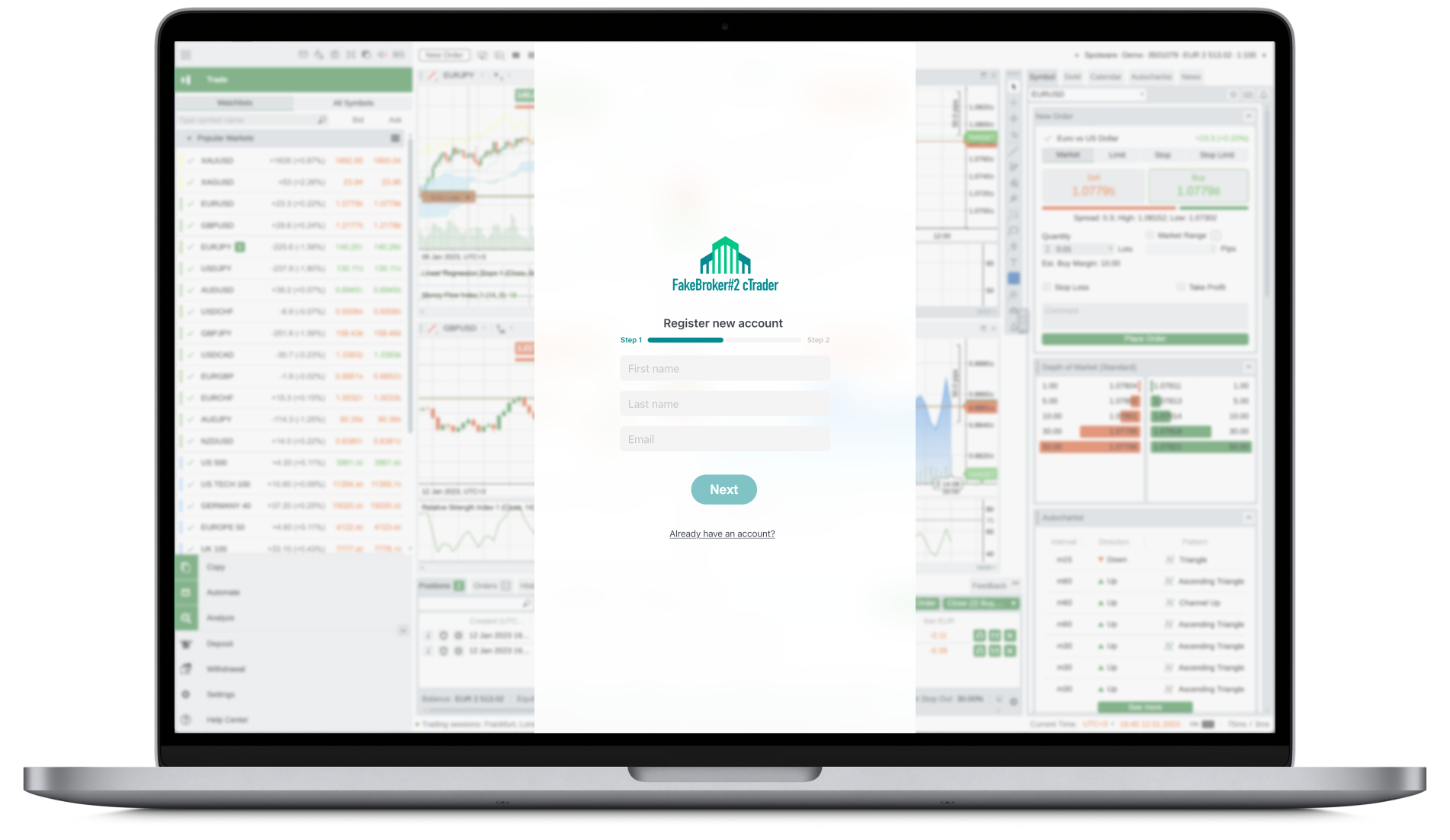
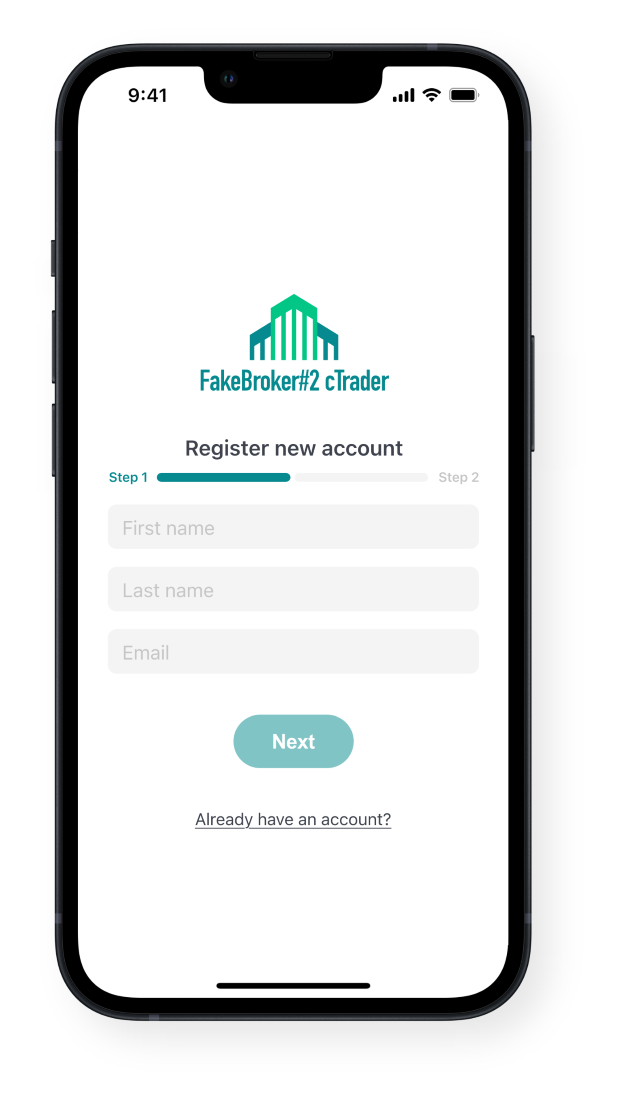
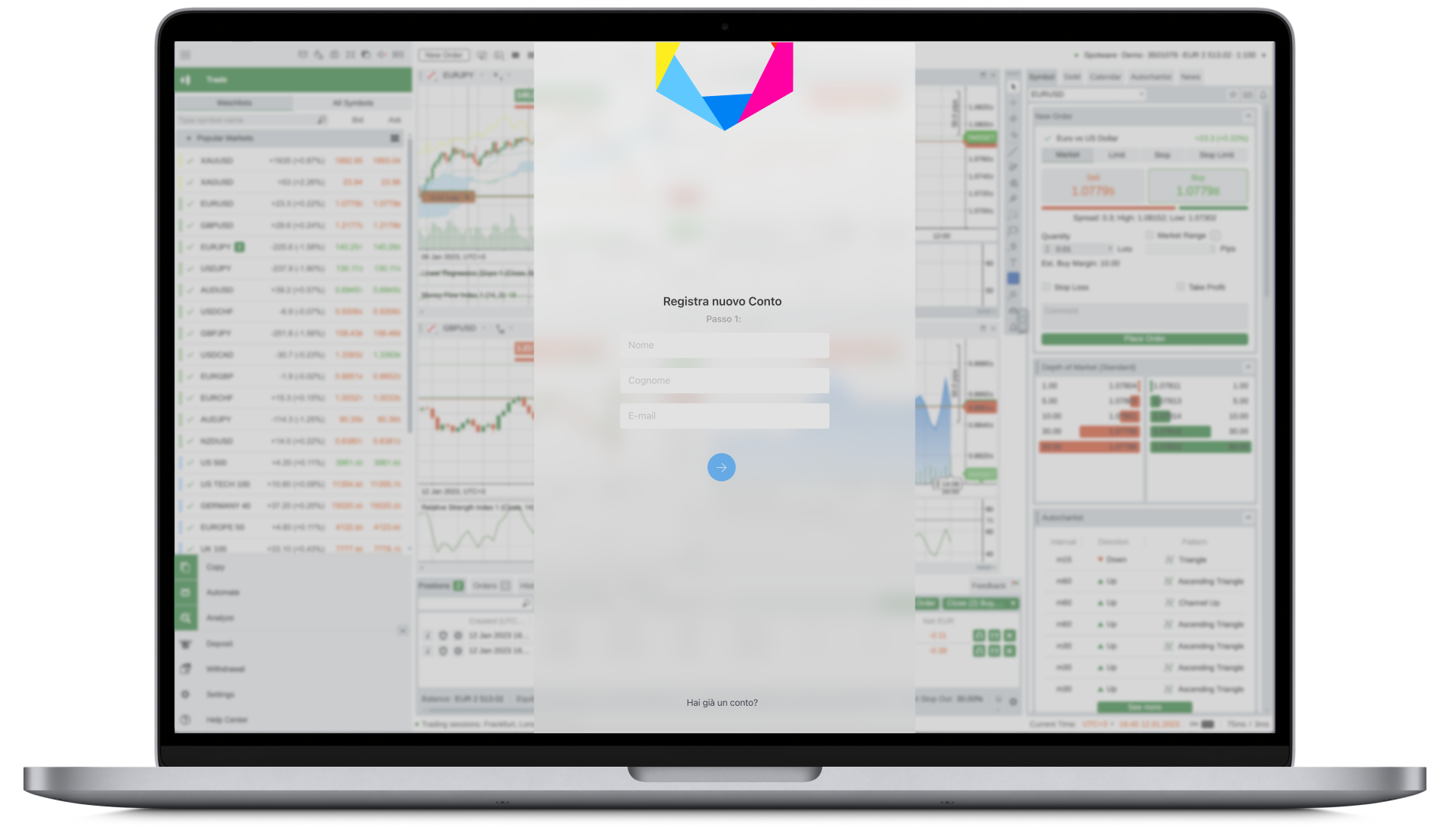
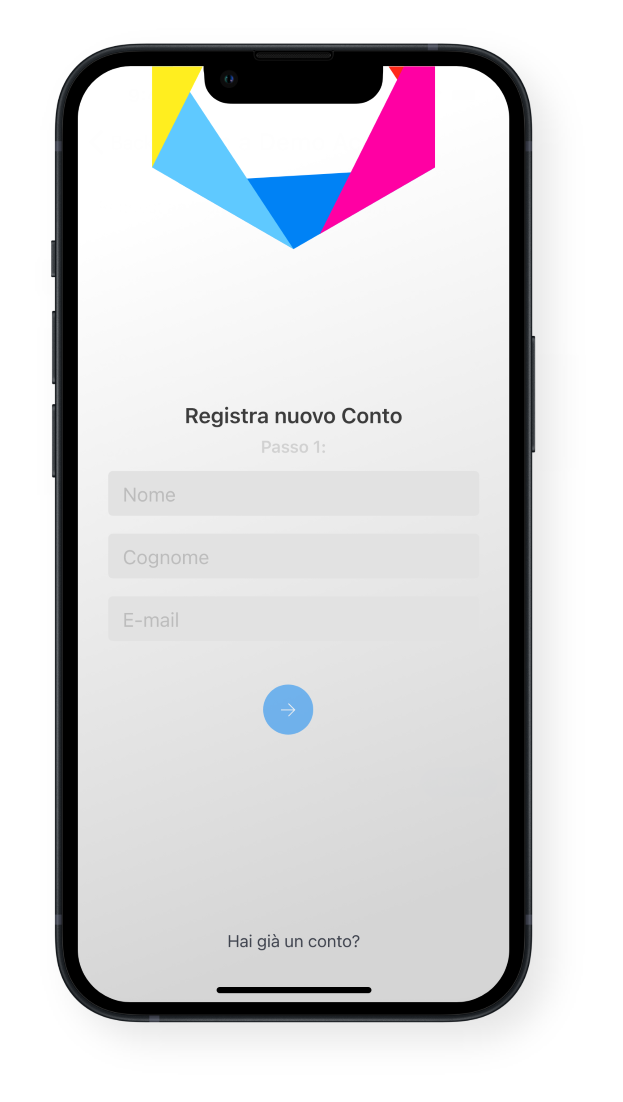
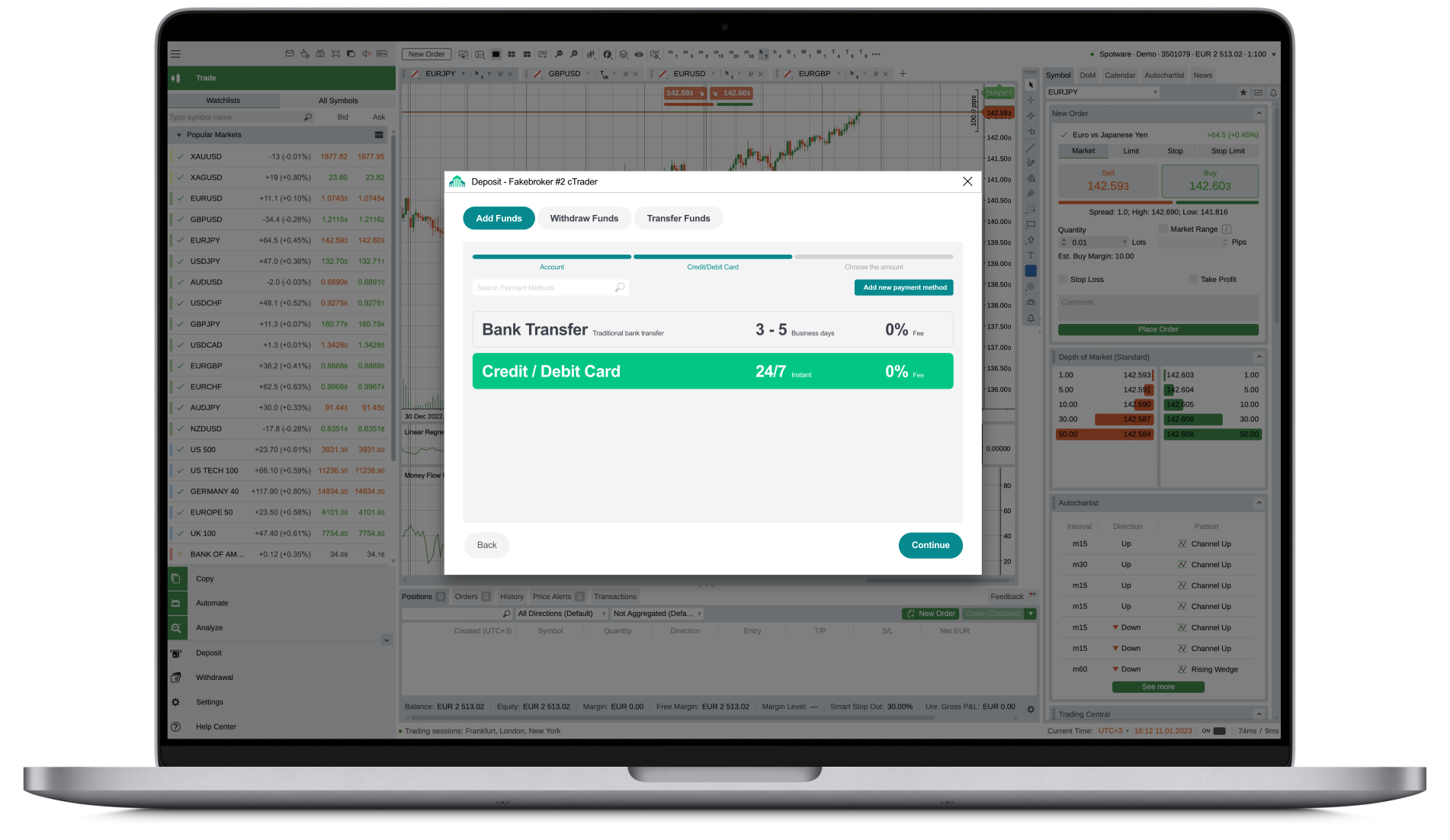
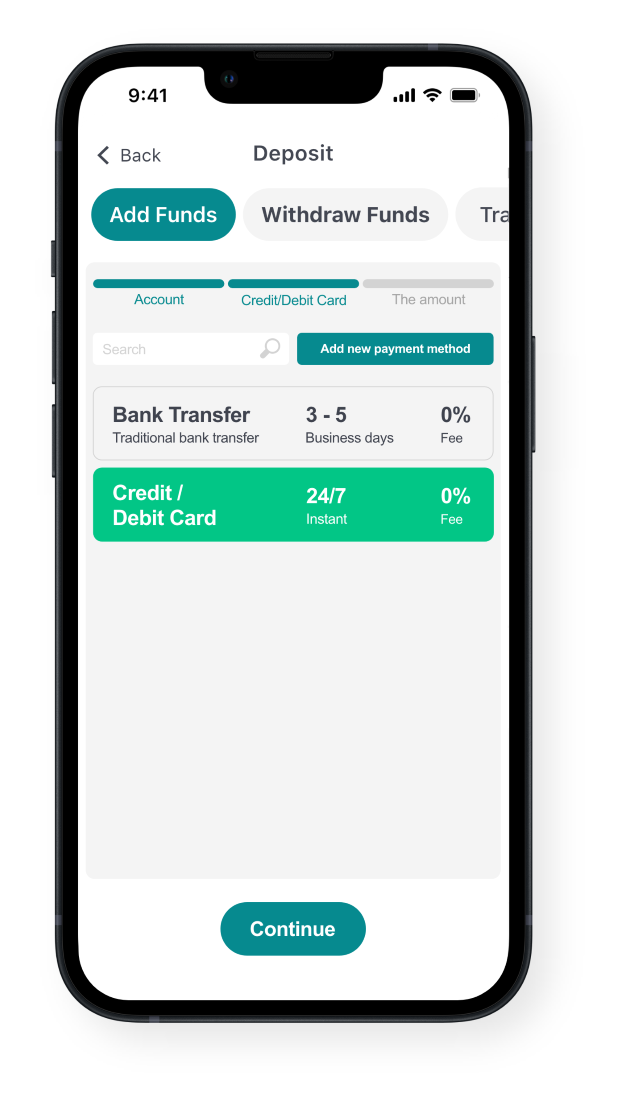
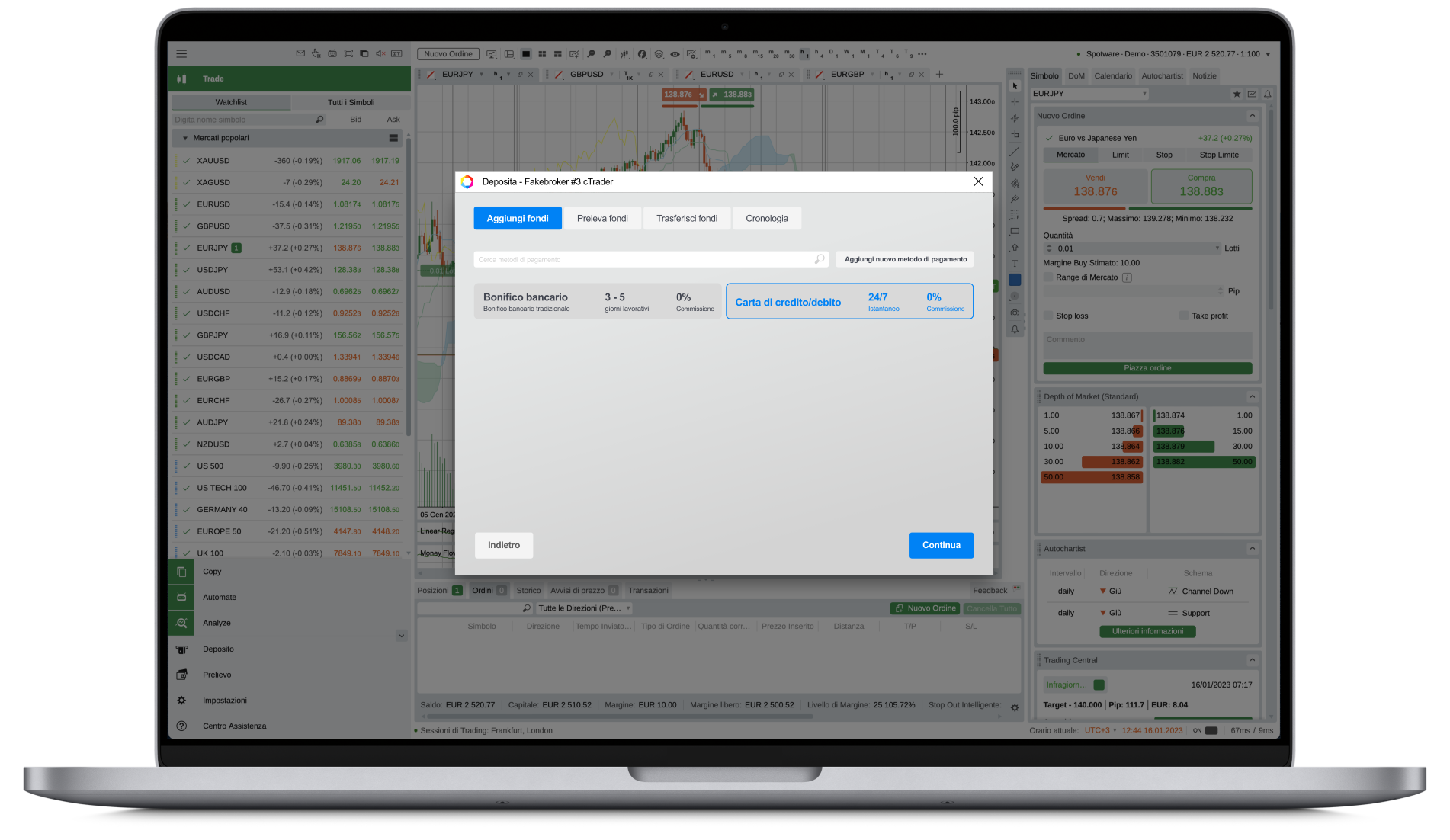
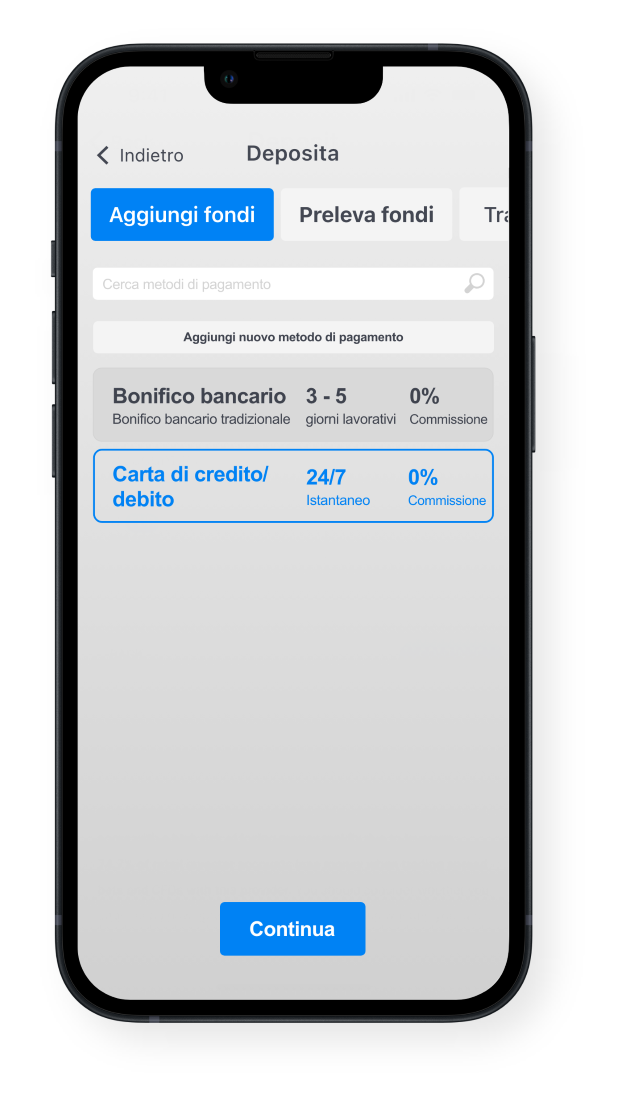
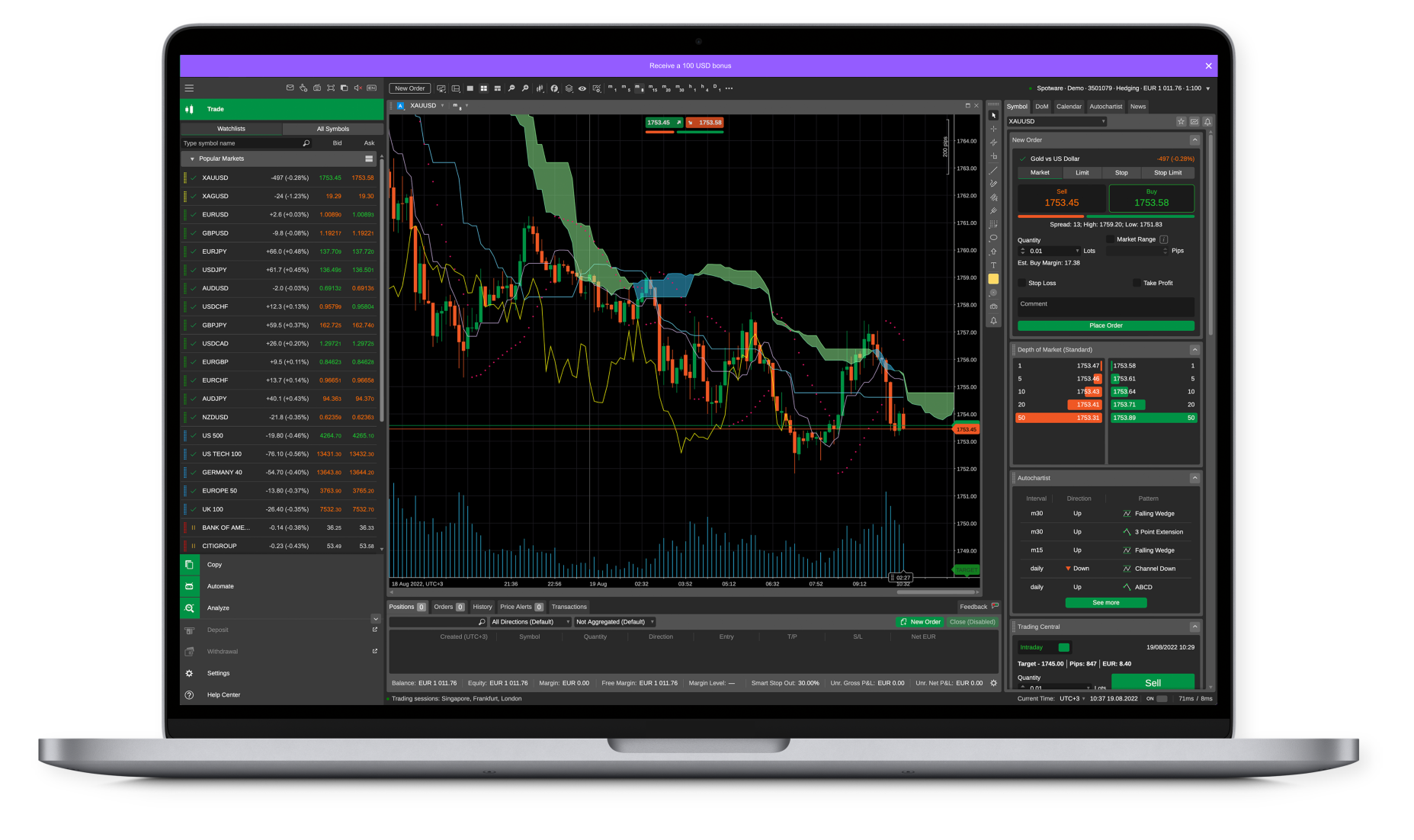
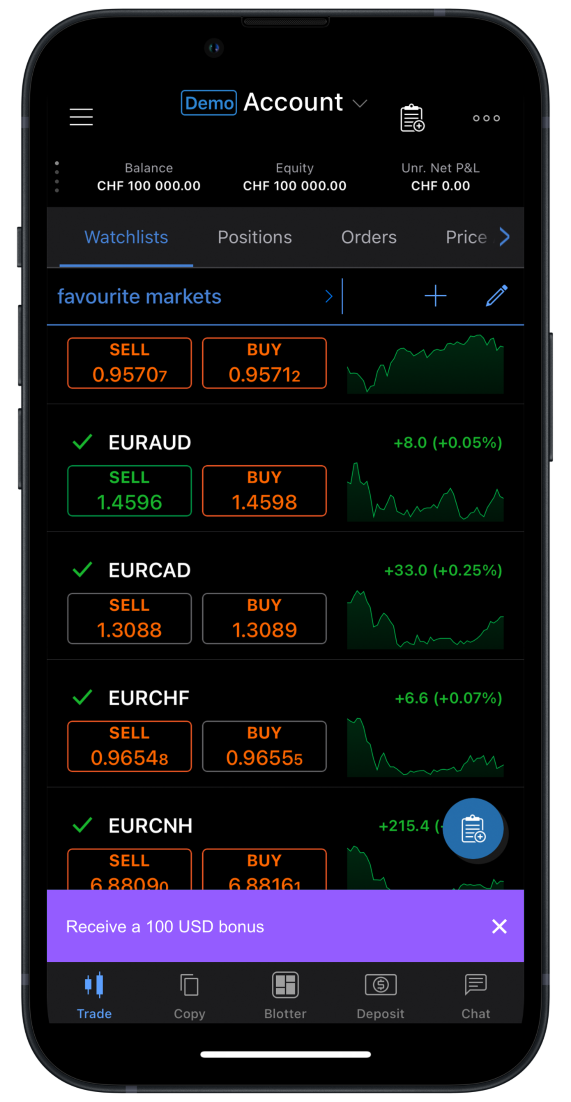
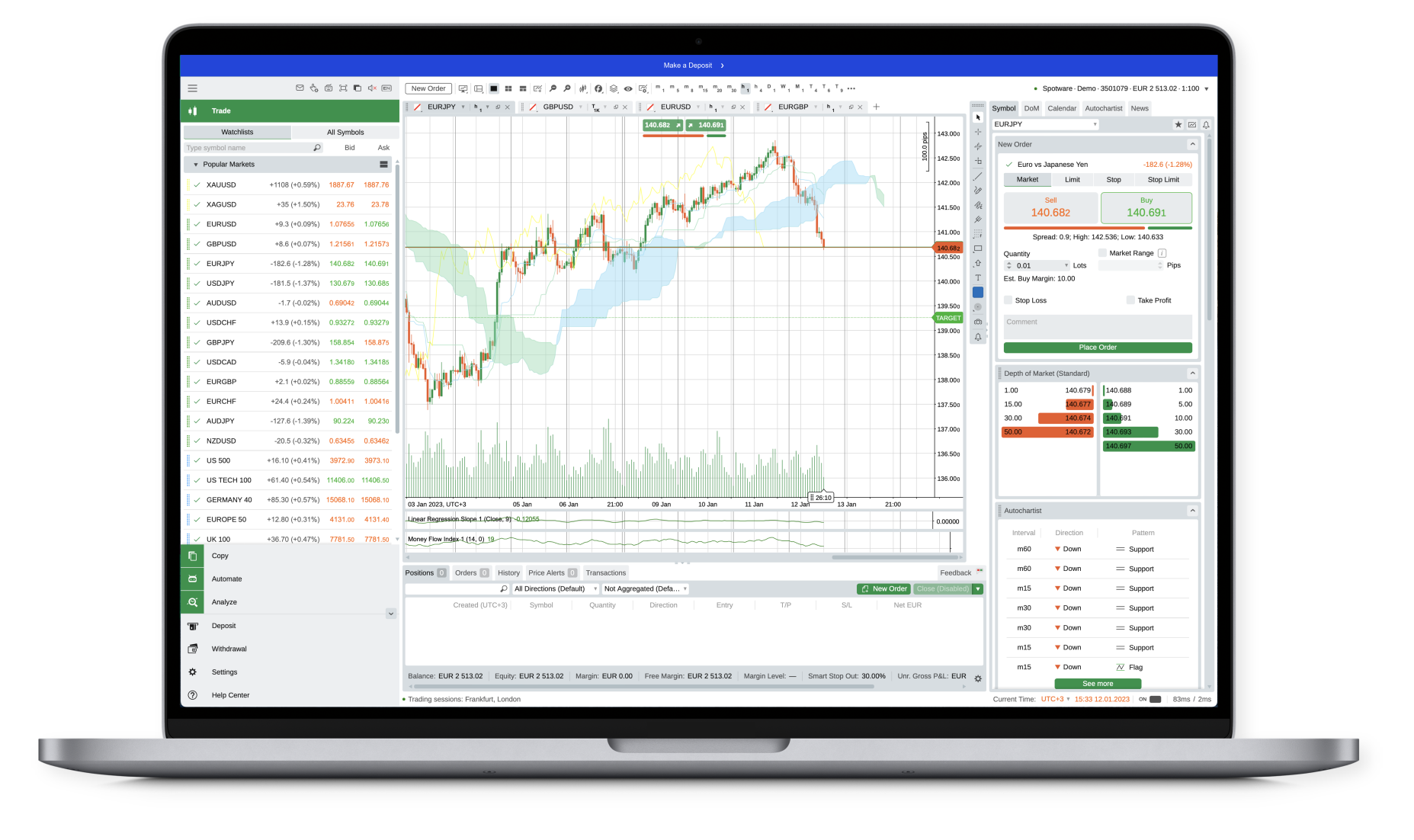
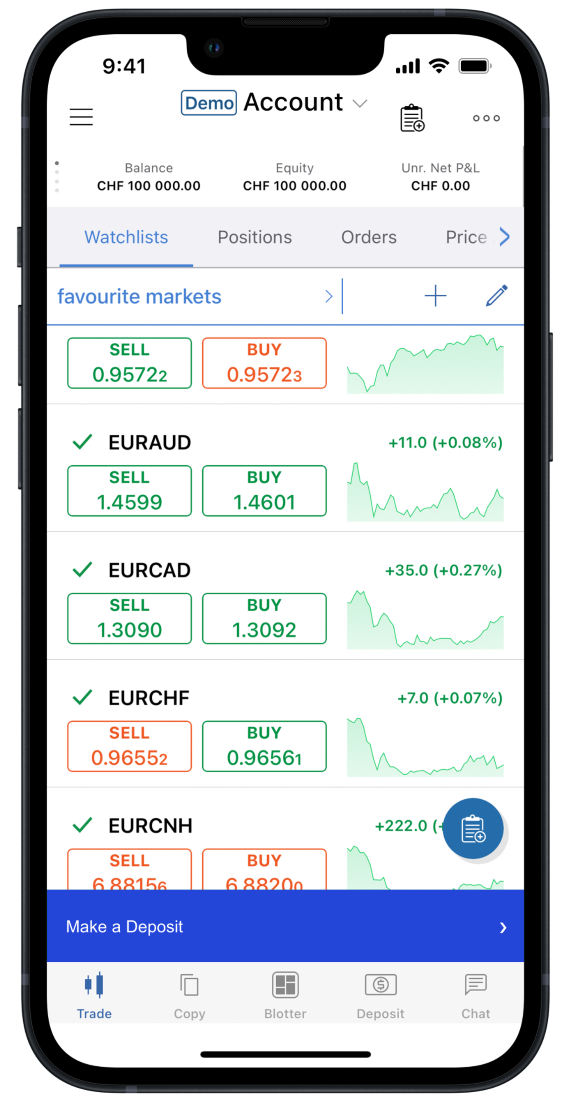
The SSO (OAuth) flows require you to create and host various screens inside your client area. Below, we provide examples of how these screens may look like depending on their type. We also provide an example of an InApp control (a ribbon).
¶ Login/Signup Screens
.png)
.png)
¶ Deposit/Withdrawal Screens
.png)
.png)
¶ InApp Controls (Ribbons)
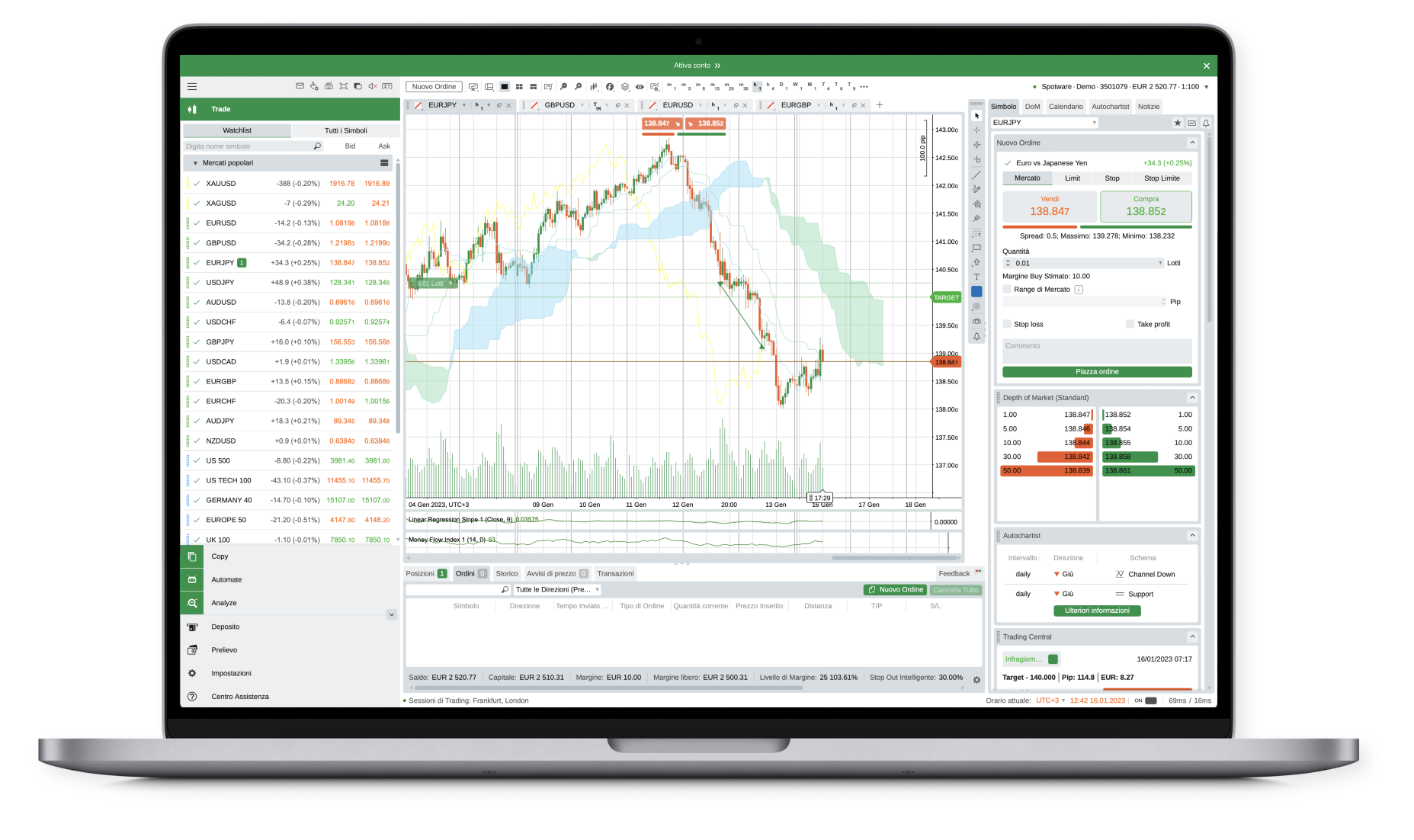
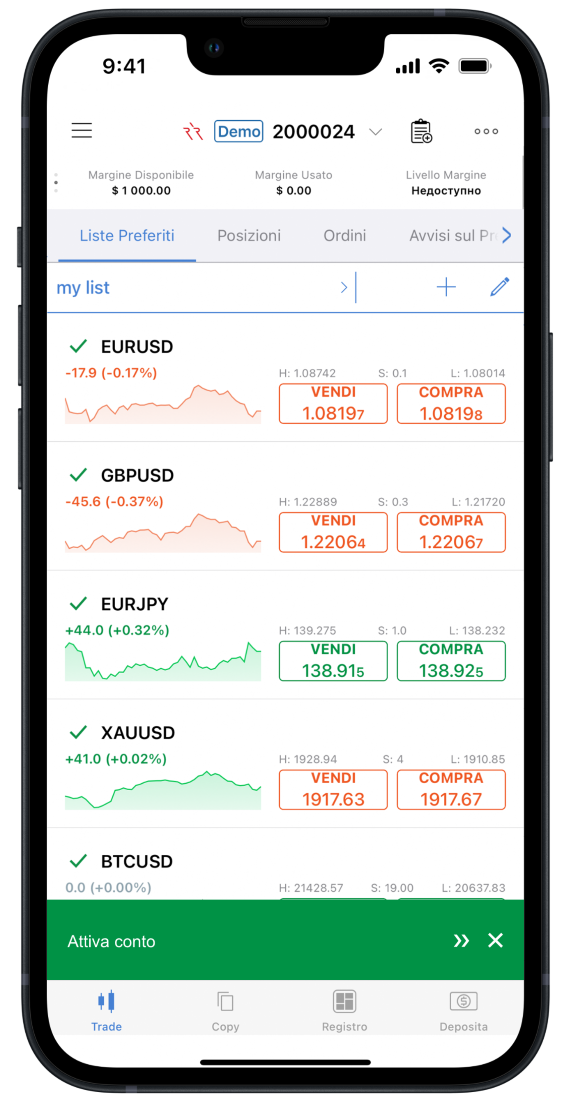
¶ 2.6. Requirements for Brokers’ CRM Systems
The deployment of SSO (OAuth) flows is only possible if the following mandatory requirements are met.
- Dedicated login/signup, account creation, and InApp action screens pages are prepared by the broker.
- The screens accept the required URL parameters. In addition, the custom login/signup screen attributes users based on the specified
partnerId(when relevant). - The broker’s client area creates a new user when sending an API call to the cTrader backend.
- The broker’s CRM system generates valid OT tokens.
- The broker’s CRM redirects users to a success URL while retrieving the relevant OT token.
- The broker has deployed a REST API allowing the cTrader backend to exchange the OT token for a long-term access token.
- The broker’s client area contains a link to cTrader Web; upon clicking on it, cTrader Web is opened on a separate page.
- The broker’s CRM needs to store information about the user’s preferred language. In case a user first registers in the broker’s client area, this is needed to send a welcome email in the correct language.
Meeting the following optional requirements should give you additional options for enhancing your broker SSO (OAuth) UX.
- Users are correctly redirected to a success page along with a related OT token.
- The screens accept optional parameters and modify the page contents accordingly.
- The broker’s client area contains cTrader Web as an embeddable iframe.